
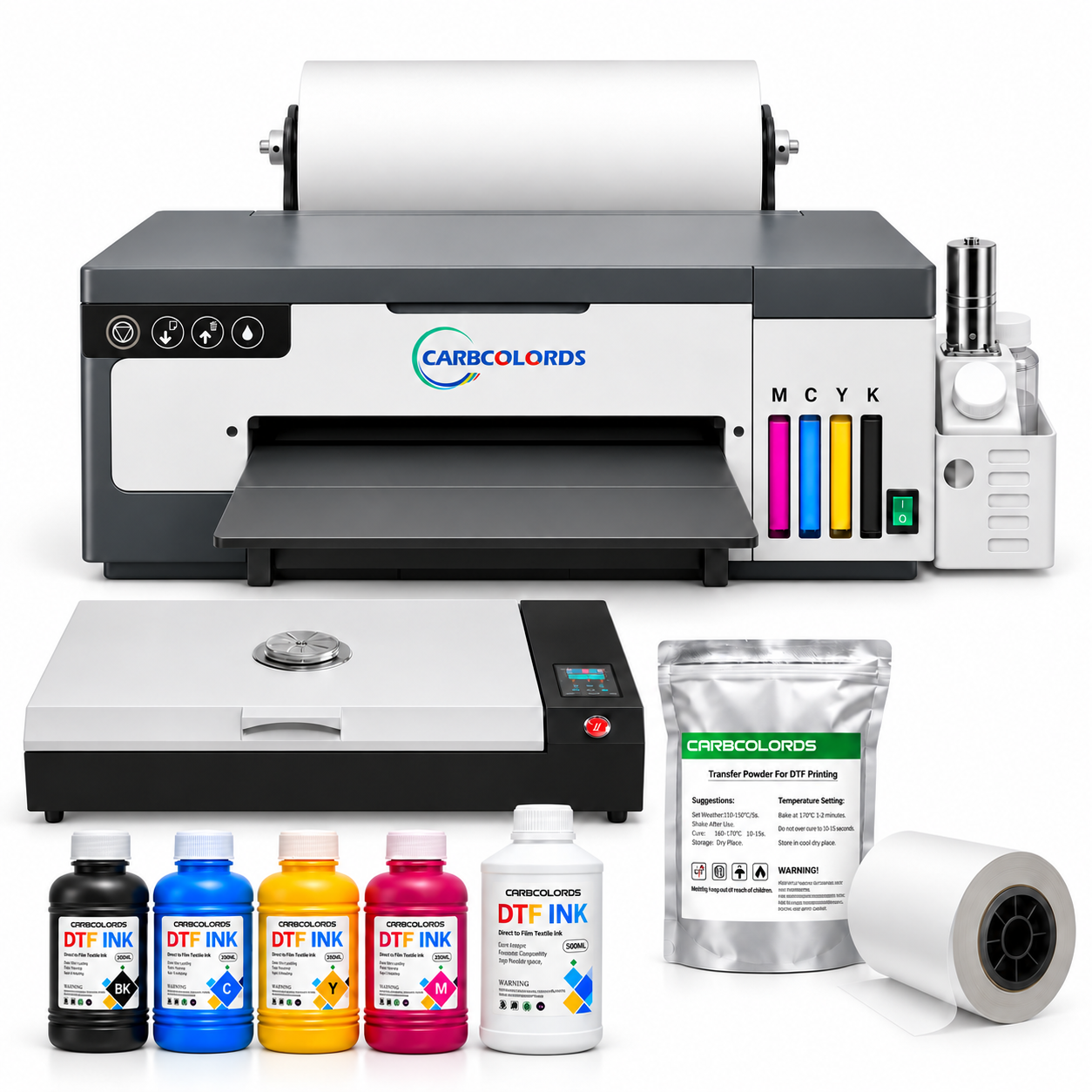
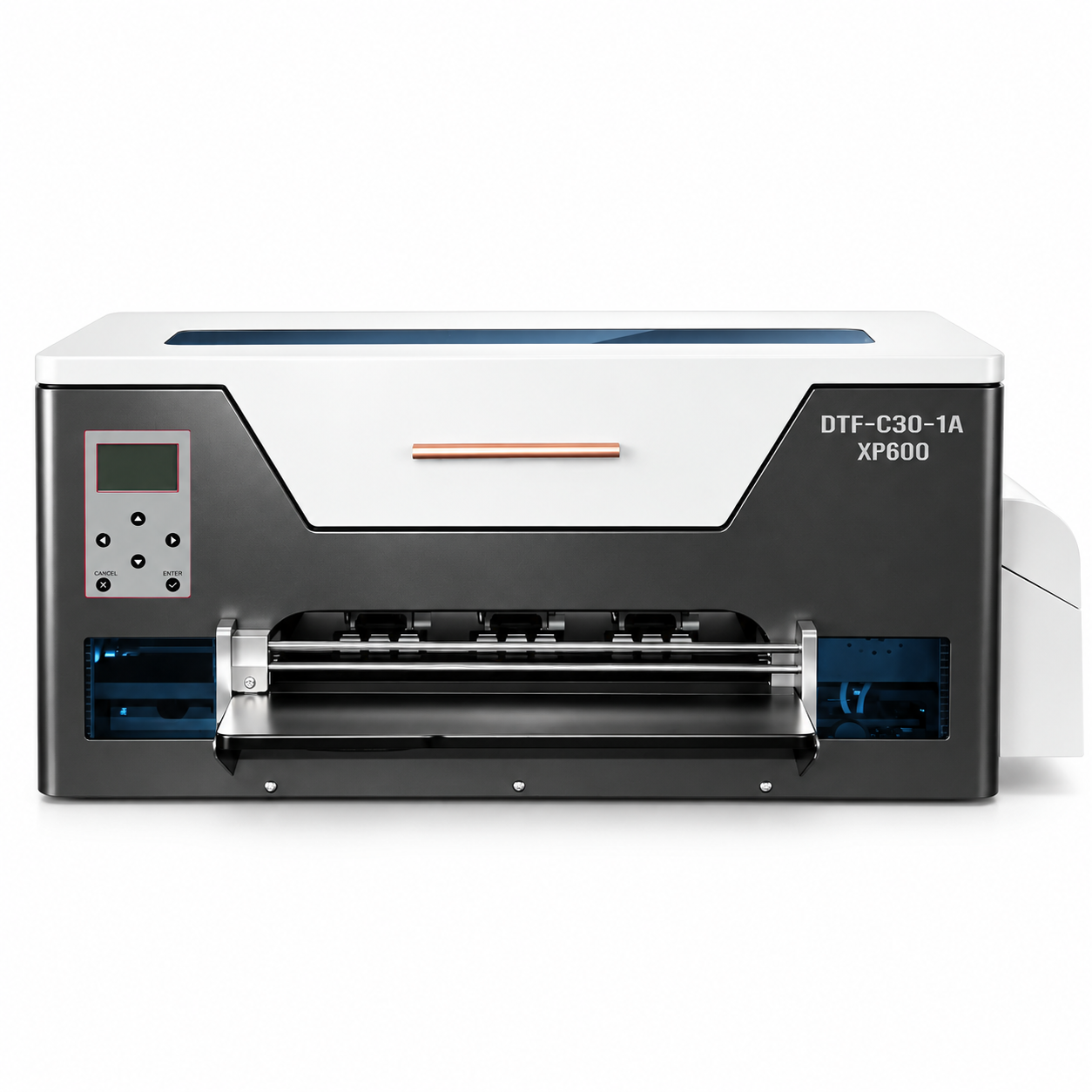
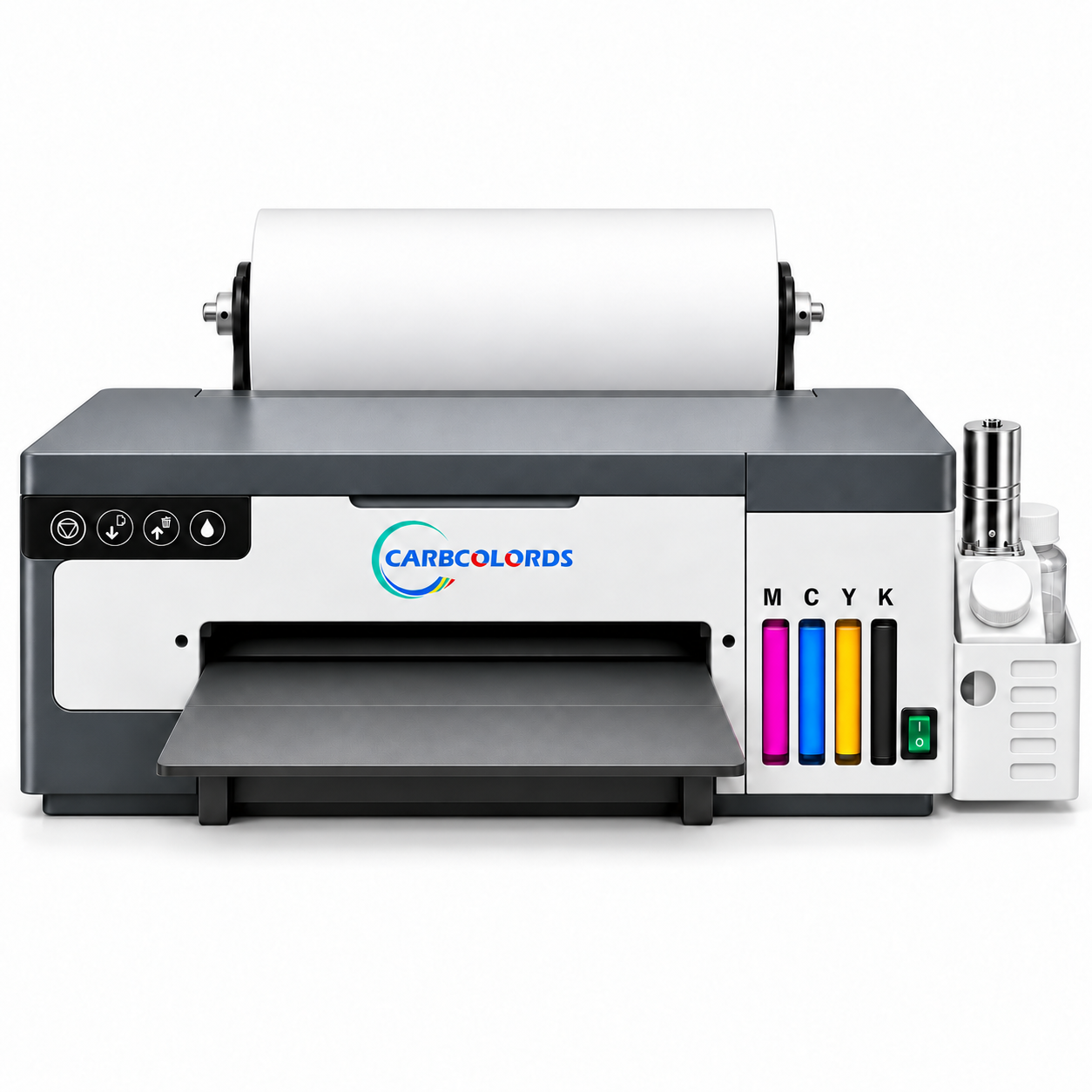
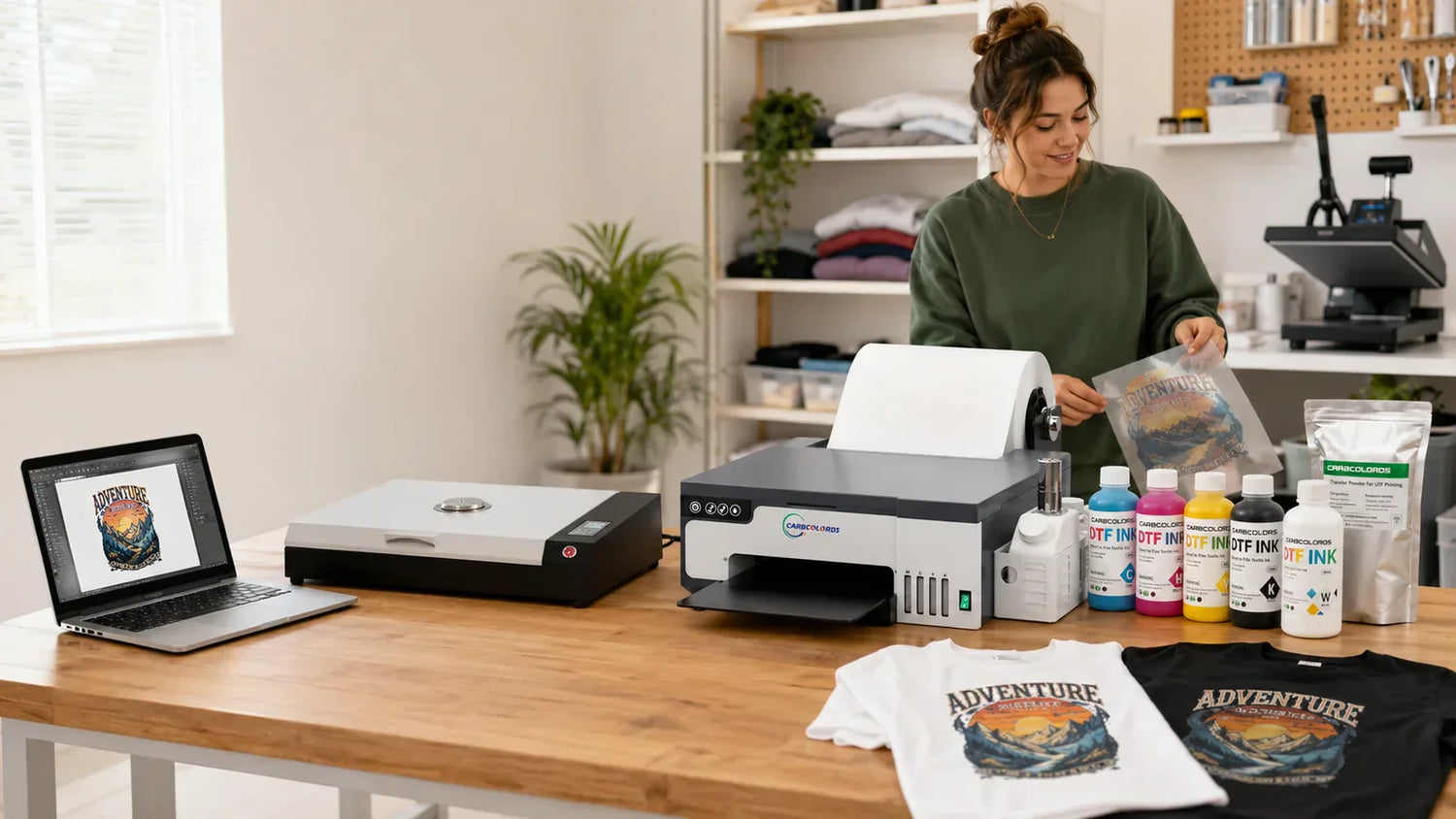
An A4 DTF printer for small business is a compact direct-to-film printer for creators who want to produce custom transfers in a home workshop or small apparel space. It is best suited for chest logos, sleeve graphics, youth garments, tote bags, personalization, samples, and short runs. The Carbcolords A4 DTF printer has an approximate maximum print width of 210 mm / 8.26 in, so it is not ideal for every large adult full-front design. This guide explains how A4 DTF printing works, what beginners need, where the format fits, and when an A3 printer may be a better choice.
Key takeaways: A4 DTF printing is a practical starting point for small businesses and creators who need a compact DTF printing setup. Plan around the print-width limit, use compatible ink, powder, and film, keep maintenance records, and treat print quality as the result of the full workflow.
In this guide
What Is an A4 DTF Printer?
An A4 DTF printer prints artwork onto DTF transfer film instead of directly onto the garment. DTF means direct to film. After printing, the design is covered with adhesive powder, cured, and heat-pressed onto a garment or compatible blank.
The Carbcolords A4 DTF printer is designed for small-business and home-workshop use. Its approved product facts include an XP600 printhead platform, roll DTF film, white-ink circulation and stirring, automatic ink supply, and a waste-ink function. The current Carbcolords A4 workflow uses Acrorip 11.2 on a compatible Windows computer. Confirm the included software and system requirements before setup.
For beginners, the main benefit is manageability. A4 is not a wide-format production setup. It is a smaller format for learning the workflow, testing designs, producing short runs, and building consistency.
How the DTF Printing Workflow Works
DTF printing has several steps, and each step affects the finished transfer. Settings vary by film, powder, garment, curing equipment, and heat press, so record what works for each product.

- Prepare the artwork. Start with clean, high-resolution artwork. Logos, text, small graphics, sleeve prints, and tote designs are good beginner projects.
- Set up the file in RIP software. RIP software controls color ink and white ink. The current Carbcolords workflow uses Acrorip 11.2 on a compatible Windows computer.
- Print onto DTF film. The printer outputs the design onto roll DTF film. White ink is typically used as a backing layer so designs can show on dark or colored garments.
- Apply DTF powder. Adhesive powder is applied to the wet print. Even coverage matters more than excess powder.
- Cure the transfer. Cure according to the film, powder, curing equipment, and heat-press workflow being used.
- Heat press the garment. Use appropriate time, temperature, and pressure for the blank and transfer materials.
- Peel and finish. Follow the film instructions for hot, warm, or cold peeling. Some workflows include a final press.
A beginner should expect a learning period. Print quality can depend on artwork, RIP settings, ink, film, powder, curing, heat-press settings, and maintenance.
Who Should Choose an A4 DTF Printer for Small Business?
An A4 DTF printer makes sense when your business needs flexibility more than maximum print width. It fits sellers who produce many small custom jobs instead of oversized graphics.
Good fits for A4 DTF printing
- Etsy sellers creating personalized shirts, baby items, tote bags, and gifts.
- Shopify sellers testing designs before scaling a product line.
- Home-based apparel businesses that need a compact printer, ink, powder, and film setup.
- Small custom-printing shops adding short-run logos, names, numbers, and small graphics.
- Beginners learning DTF printing in a smaller production space.
When A4 may not be the right first choice
A4 is less suitable if your main product is large adult full-front designs, oversized streetwear graphics, or wide back prints. The approximate 210 mm / 8.26 in maximum print width is the planning limit. Some larger artwork can be split and aligned, but that requires careful design and pressing. For frequent large adult prints, compare A3 DTF printer options.
Suitable Designs and Realistic Print-Size Limitations
A4 DTF printing works best when the artwork is planned around the printable width. Think about the final design dimensions, not only shirt size.
Designs that usually make sense on A4
- Left-chest business logos
- Sleeve graphics and small sleeve text
- Youth garment designs
- Tote bag logos or small illustrations
- Names, numbers, and short text layouts
- Small-batch event apparel
- Sample prints for new product ideas
For example, a bakery may need apron logos. A fitness coach may need sleeve logos and small chest prints. An Etsy seller may test toddler-shirt designs before scaling. These are natural A4 jobs.
Designs that need extra planning
Adult full-front artwork can be challenging on A4 because many customers expect a wider chest graphic. If the design needs to be wider than approximately 210 mm / 8.26 in, you may need to resize it, redesign it, split the artwork, or consider A3. Resizing can make text too small, and splitting can create alignment issues.
Equipment and Supplies Needed to Start
A DTF printer for beginners is only one part of the setup. You also need supplies and a work area for printing, curing, pressing, and cleanup.

- A4 DTF printer: The core machine. The Carbcolords A4 DTF printer uses an XP600 printhead platform and roll DTF film.
- Windows computer: Carbcolords A4 compatibility is Windows only. Confirm your system before setup.
- RIP software: The current workflow uses Acrorip 11.2 on a compatible Windows computer.
- DTF ink: Use compatible DTF ink and follow white-ink handling guidance.
- DTF film: Use compatible DTF transfer film. If you are comparing a DTF printer with roll feeder options, confirm current feed details on the product page.
- DTF powder: Adhesive DTF powder helps bond the design to the garment during pressing.
- Curing method and heat press: You need a way to cure the powdered transfer and a consistent heat press.
- Maintenance supplies and test blanks: Keep cleaning materials, waste-ink handling supplies, and test garments ready.
Check your workspace before purchasing. DTF printing involves powder handling, curing, ink management, and cleaning. A stable table and clean storage help.
Daily and Weekly Maintenance for Beginners

DTF printing requires routine care, especially because white pigment needs correct circulation, stirring, and maintenance. The Carbcolords A4 DTF printer supports white-ink circulation and stirring, but those features do not replace cleaning.
Daily checks
- Run a nozzle check before production.
- Confirm that every required ink channel is printing correctly.
- Check the capping and wiping area.
- Confirm that white ink circulation is operating normally.
- Inspect film feeding before starting customer orders.
- If the nozzle check is abnormal, troubleshoot before continuing production.
- After the final print of the day, follow the recommended cleaning procedure.
Weekly or periodic checks
- Inspect and clean the capping station and wiper according to the maintenance guide.
- Check for dried ink, dust, powder residue, and contamination.
- Review nozzle-check records for changes.
- Check the waste-ink level and waste-ink path.
- Confirm that film, ink, and powder are stored correctly.
- Record successful RIP, curing, and pressing settings.
If the printer will not be used for more than three days, follow the extended-idle maintenance process before shutdown.
Practical Tip From Our Support Experience
Beginners often focus only on the printer, but similar-looking print problems can come from different parts of the workflow. Incorrect RIP settings, an incomplete nozzle check, uneven powder coverage, undercuring, excessive curing, or incorrect heat-press settings may produce similar symptoms. Check artwork and RIP setup, nozzle output, film and ink output, powder coverage, curing, and heat-press settings.
Common Beginner Mistakes to Avoid
Most beginner problems come from skipping process control. A compact printer can produce useful transfers, but the workflow still needs discipline.
| Mistake | Why It Causes Problems | Better Habit |
|---|---|---|
| Buying only for price | The printer is just one part of a complete workflow. | Compare features, support, maintenance needs, supplies, and print size. |
| Ignoring the A4 width limit | Large adult designs may not fit the printable width. | Plan around logos, sleeves, youth prints, totes, and samples. |
| Using low-quality artwork | Poor files can print with rough edges or weak detail. | Use clean artwork and test before selling. |
| Skipping white-ink care | White ink requires routine attention for consistent printing. | Follow startup, circulation, stirring, and cleaning guidance. |
| Guessing heat-press settings | Wrong time, temperature, or pressure can affect adhesion and finish. | Record settings for each film, powder, garment, and press. |
| Not testing new blanks | Different fabrics and finishes may behave differently. | Run test transfers before offering a new product. |
A4 vs. A3 DTF Printer: Which Should a Small Business Choose?
The A4 versus A3 decision is mostly about product mix, workspace, and expected order types. A small business DTF printer should match the jobs you actually sell.

| Consideration | A4 DTF Printer | A3 DTF Printer |
|---|---|---|
| Print width | Approximately 210 mm / 8.26 in | Approximately 330 mm / 13 in |
| Best for | Small-format apparel, logos, sleeves, youth garments, totes, samples, and short runs | Wider designs and shops with more frequent adult full-front print needs |
| Workspace | Better fit for compact home workshops and small production areas | Typically requires more room for printer handling, film, curing, and workflow |
| Beginner learning curve | Practical for learning with smaller projects | Useful for broader product plans, but still requires maintenance and process control |
| Business fit | Good for testing products and fulfilling small custom orders | Better when larger print sizes are central to the catalog |
If your shop mainly sells pocket logos, sleeve graphics, kids' shirts, tote bags, and samples, A4 can be a practical starting point. If most requests are oversized adult graphics, compare A3 options before deciding.
Why Remote Setup and Technical Support Matter
For a beginner, support can be as important as the printer. DTF printing involves software setup, film feeding, white ink, powder, curing, and heat pressing. Small mistakes in one step can affect the final transfer.
Carbcolords provides remote setup guidance, remote technical troubleshooting, and setup and maintenance resources. This should be described accurately as Remote technical support, without making unsupported claims about support location. Reviewing A4 setup tutorials before your first print can also help.
Warranty, Consumables, and Policy Notes
When comparing printers, read the warranty language carefully. Carbcolords product facts state a 1-Year Limited Warranty for eligible electronic and mechanical machine components. Exact terms, exclusions, and defective-on-arrival processes should be checked in the current Warranty Policy.
Do not assume every part is covered the same way. Printheads, dampers, capping stations, wipers, ink tubes, ink, film, powder, and similar consumable or wear parts are not automatically included in the standard machine warranty. Consumables and wear parts follow separate policies. Review the current Warranty Policy for complete coverage, exclusions, and claim requirements.
How to Choose the Right A4 DTF Printer
A good beginner purchase should match your products, workspace, computer, support needs, and maintenance routine.
Beginner buying checklist
- Confirm print width. Make sure the approximate 210 mm / 8.26 in maximum print width fits your main designs.
- Check computer compatibility. The Carbcolords A4 DTF printer is Windows only; confirm the system requirements included with your order.
- Review white-ink features. White-ink circulation and stirring can support consistency, but maintenance is still required.
- Plan supplies together. Pair your printer with compatible DTF ink, powder, and film.
- Review support resources. Remote setup guidance and troubleshooting are valuable for first-time users.
- Read warranty terms. Separate eligible machine components from consumables and wear parts.
- Match the printer to your catalog. Choose A4 for small-format and short-run work, and consider A3 for frequent larger designs.
If you are planning a compact DTF setup for a home workshop or small apparel business, explore the Carbcolords A4 DTF printer and review the available setup tutorials, compatible supplies, and remote technical support before ordering.
FAQs About A4 DTF Printers for Beginners
Is an A4 DTF printer good for a small business?
Yes, an A4 DTF printer can be a good fit for a small business that sells small-format apparel, logos, sleeves, youth garments, tote bags, samples, and short-run custom orders. It is less ideal if most of your work requires large adult full-front graphics.
What can I print with a Carbcolords A4 DTF printer?
Common applications include chest designs, sleeve graphics, youth garments, tote bags, small logos, names, numbers, small-batch custom apparel, and sample production. Always plan around the approximate 210 mm / 8.26 in maximum print width.
Can beginners use an XP600 DTF printer?
Beginners can learn on an XP600 DTF printer platform, but they should expect to learn software setup, white-ink care, film handling, powder application, curing, heat pressing, and cleaning. Remote setup guidance and maintenance resources are especially helpful at the start.
Does an A4 DTF printer work with Mac computers?
The Carbcolords A4 DTF printer is listed as Windows only. Confirm your computer setup and the included software requirements before ordering.
Does DTF printing require maintenance?
Yes. DTF printers require routine cleaning and correct white-ink maintenance. White-ink circulation and stirring features can support the workflow, but they do not replace daily and periodic care.
Should I buy an A4 or A3 DTF printer?
Choose A4 if your products are mostly small logos, sleeves, youth designs, tote bags, samples, and short-run custom orders. Consider A3 if your business expects frequent wider adult designs or larger full-front artwork.
Conclusion
An A4 DTF printer can be a smart first step for small businesses and creators who want a compact DTF printing setup for practical, small-format work. It is beginner-friendly in size, but it still requires good artwork, compatible supplies, correct RIP setup, powder and curing steps, heat-press control, and consistent maintenance.
The best choice depends on what you plan to sell. If your catalog is built around chest logos, sleeves, youth garments, totes, personalization, and design testing, an A4 DTF printer may fit your shop well. If large adult graphics are the core of your business, compare A3 options. Either way, choose a printer with clear product facts, realistic support expectations, and policy language you understand.

Leave a comment
This site is protected by hCaptcha and the hCaptcha Privacy Policy and Terms of Service apply.