




Maintenance
Routine Maintenance (Simple)
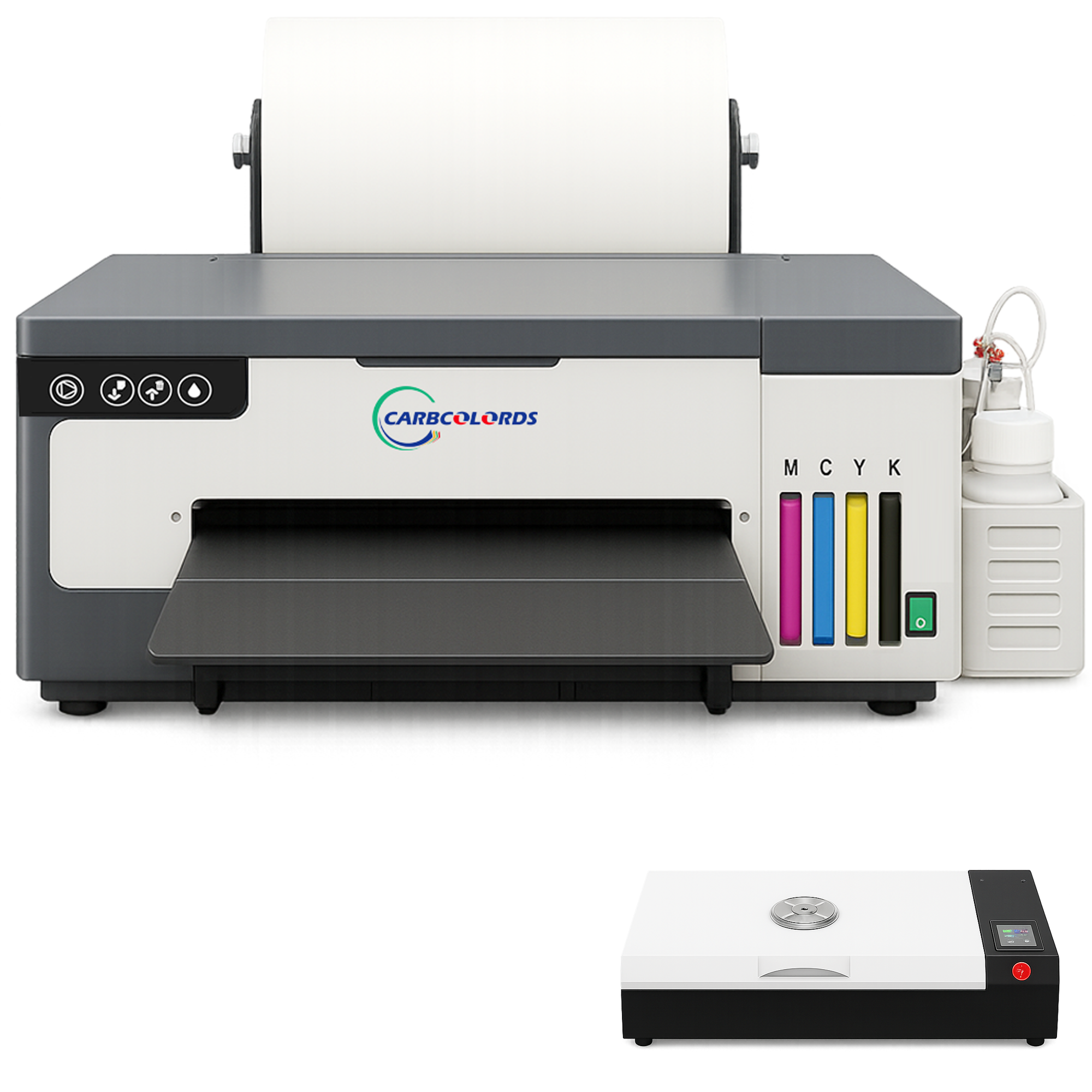
White ink maintenance is the most important part of DTF printing. Please follow these simple routines:
After every printing day
- After your final print of the day → press the Ink / Clean button once.
- The printer will automatically clean the printhead — this prevents white-ink sediment.
If you will not use the printer for 3+ days (vacation / weekend trip)
- Before shutdown → press Ink/Clean button once for a deep clean.
- Turn off the printer after the deep clean completes.
Every 5 days (best practice)
- Run one deep clean manually
- The printer will clean the printhead and print a test strip
- Check the test strip result → if gaps appear, run 1 more deep clean only
When you return from long break
- Power on printer → run one deep clean
- Start printing normally
Need guidance? We can assist via WhatsApp or remote session.