Start with the job you need to complete. Each guide connects the printer, software, film, powder, curing, pressing, and maintenance steps that affect the result.
Keep your DTF printer running smoothly with a practical daily, weekly, and long-term maintenance routine. Learn how to care for the printhead, maintain white ink circulation, prevent clogs,...
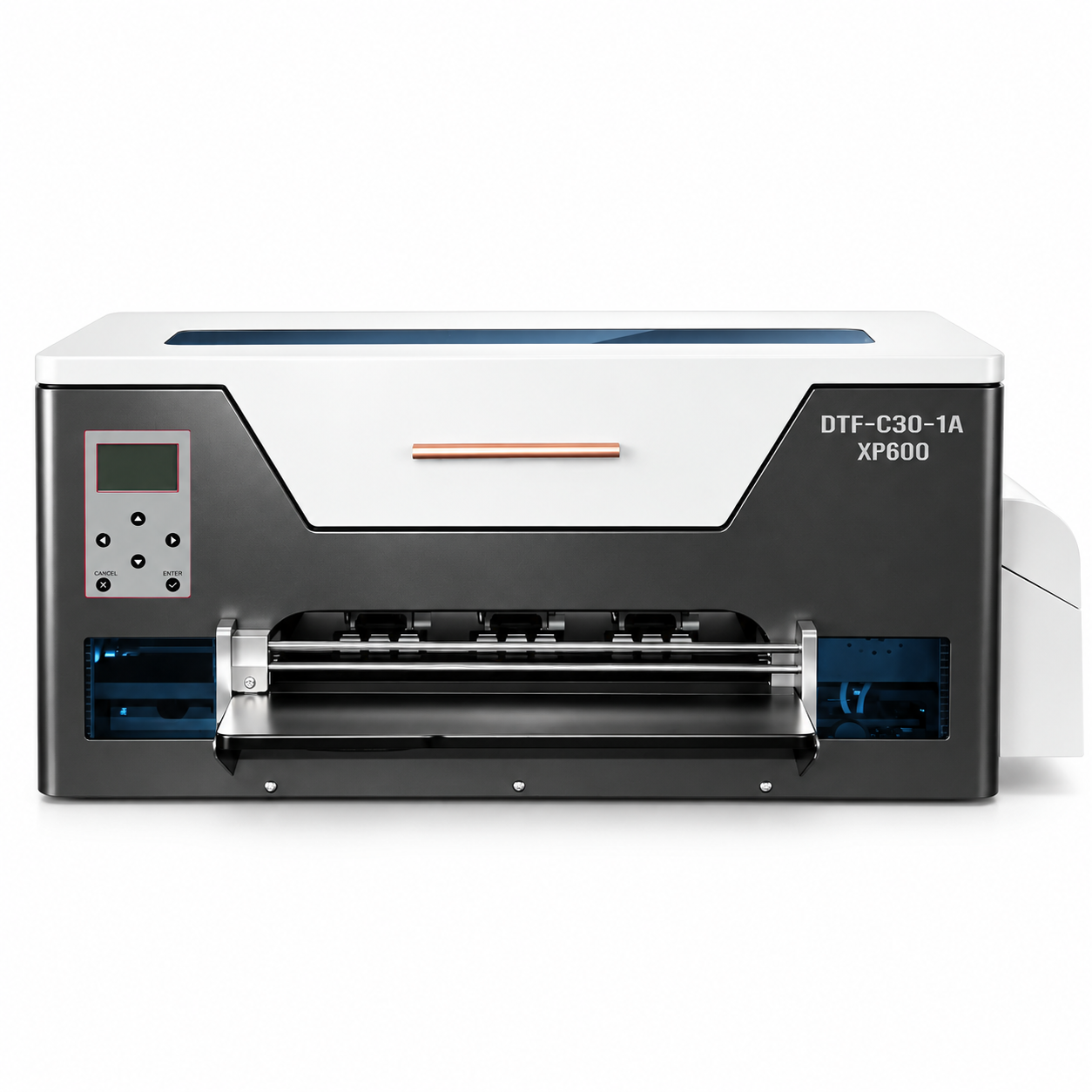
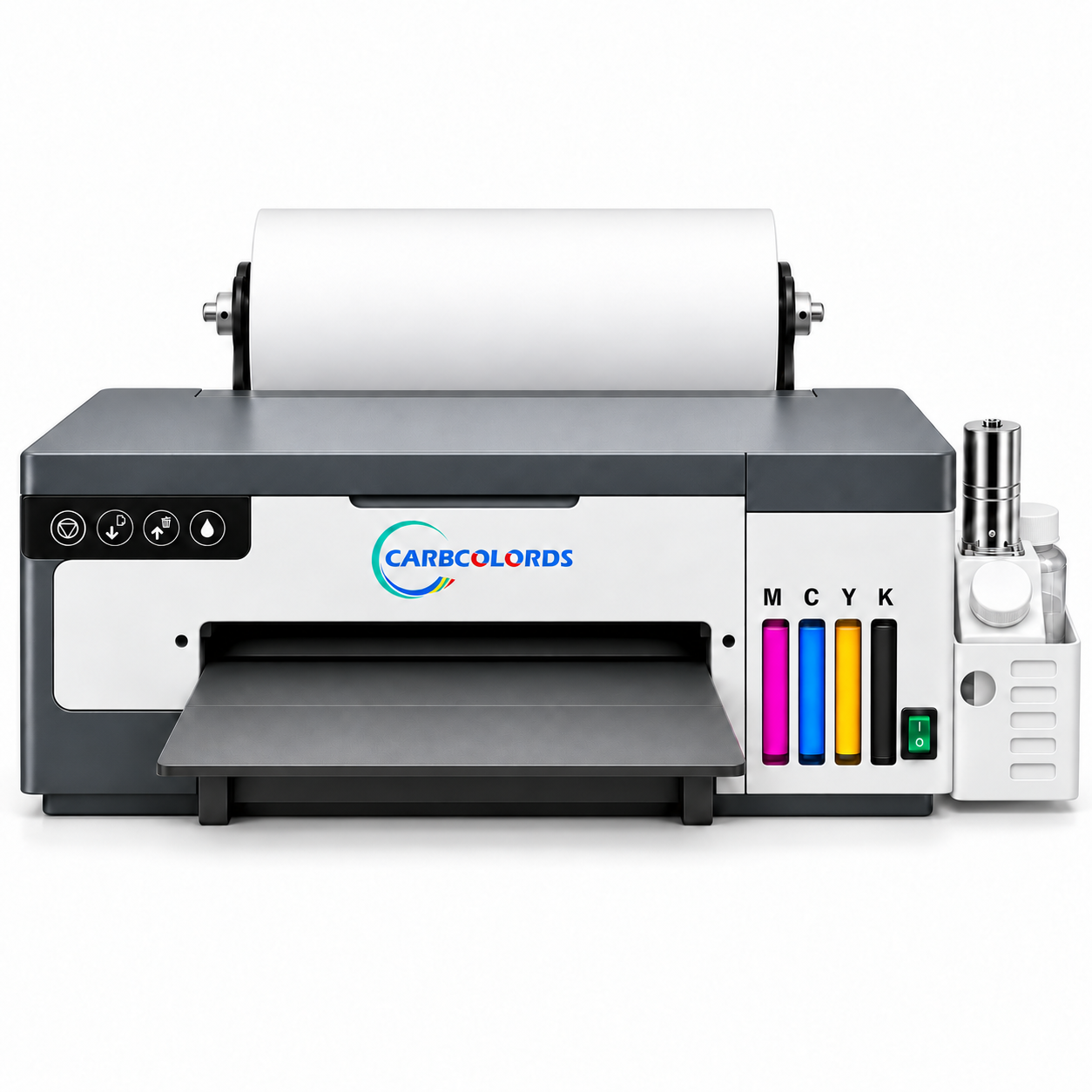
A4 is a practical fit for logos, sleeves, youth garments, tote bags, personalization, samples, and short runs. For frequent wide adult graphics, compare A3 before buying.
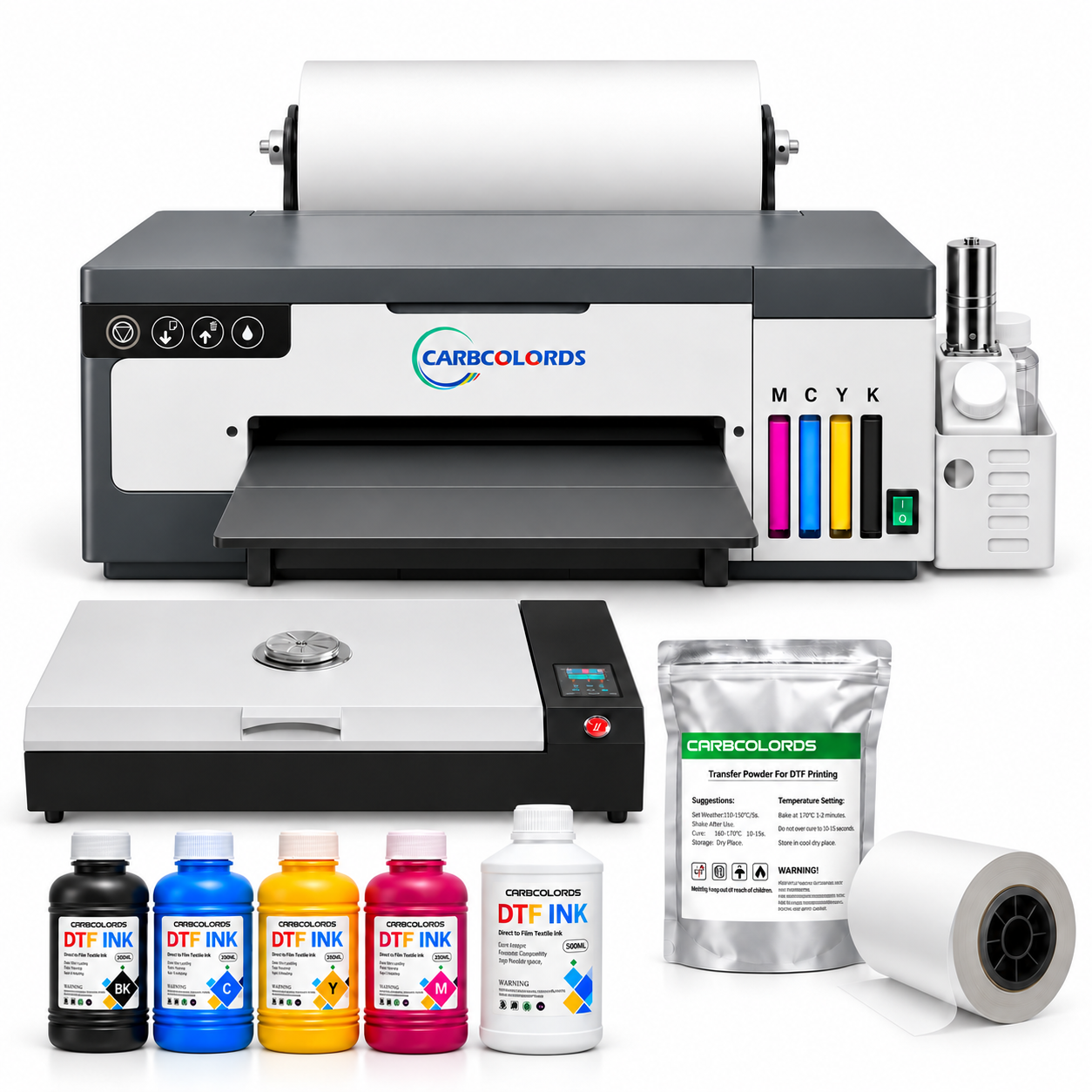
DTF printing means direct to film: artwork is prepared in design software, processed through RIP software, printed with color and white ink onto transfer film, coated with adhesive powder, cured, and heat-pressed onto a compatible garment or blank.
Carbcolords guides focus on practical decisions for small businesses—printer size, Windows and RIP setup, white-ink care, film handling, color control, curing, heat pressing, maintenance, and remote technical support.
Is an A4 DTF printer a practical starting point?+
A4 can be a manageable format for smaller graphics, samples, personalization, sleeves, youth garments, tote bags, and short runs. Check your most common artwork dimensions before choosing a format.
Why does the DTF workflow include a curing oven?+
The adhesive powder must be cured according to the consumable and equipment instructions before the transfer is pressed. Consistent time and temperature help make testing repeatable.
Which DTF consumables affect the final result?+
Ink, transfer film, adhesive powder, the garment or blank, and the heat-press process work as a system. Record the successful combination instead of changing several variables at once.
What information helps remote support diagnose faster?+
Provide a clear symptom description, nozzle-check photo, artwork and RIP settings, film and consumable details, curing and press settings, and a short video when movement or ink flow is involved.
The practical print note
One useful DTF lesson at a time.
Get maintenance reminders, troubleshooting flows, and new guide updates. No daily noise.