
A DTF printer does not need a complicated maintenance routine. What it does need is consistency.
White ink contains heavier pigment than standard color ink, so it can settle when it sits still for too long. Dust, film scraps, dried ink, and skipped nozzle checks can also turn a small issue into wasted transfers or an interrupted workday.
The good news is that most routine care only takes a few minutes. A nozzle test before printing, one automatic cleaning cycle at the end of the day, and the right preparation before a longer break can make daily operation much easier.
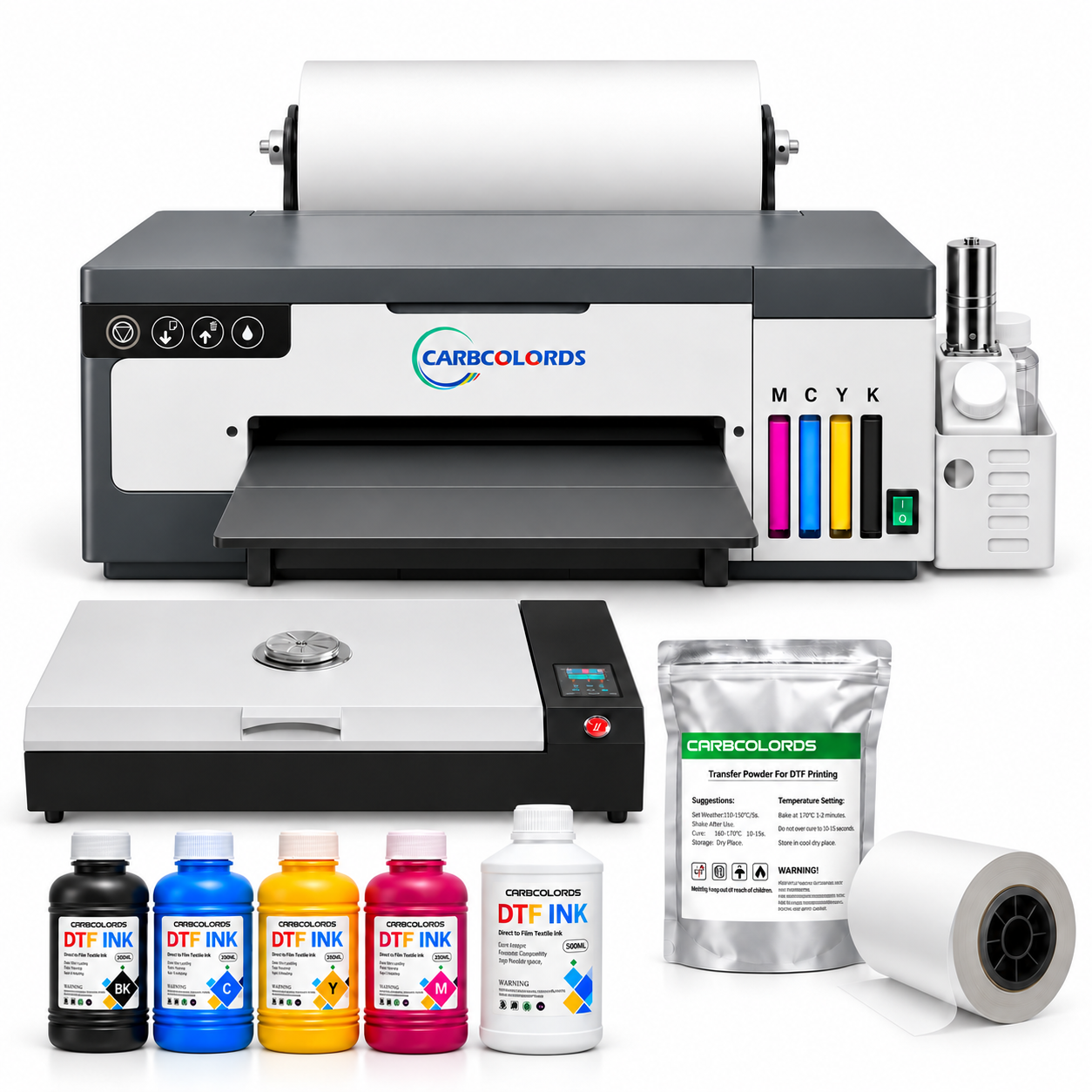
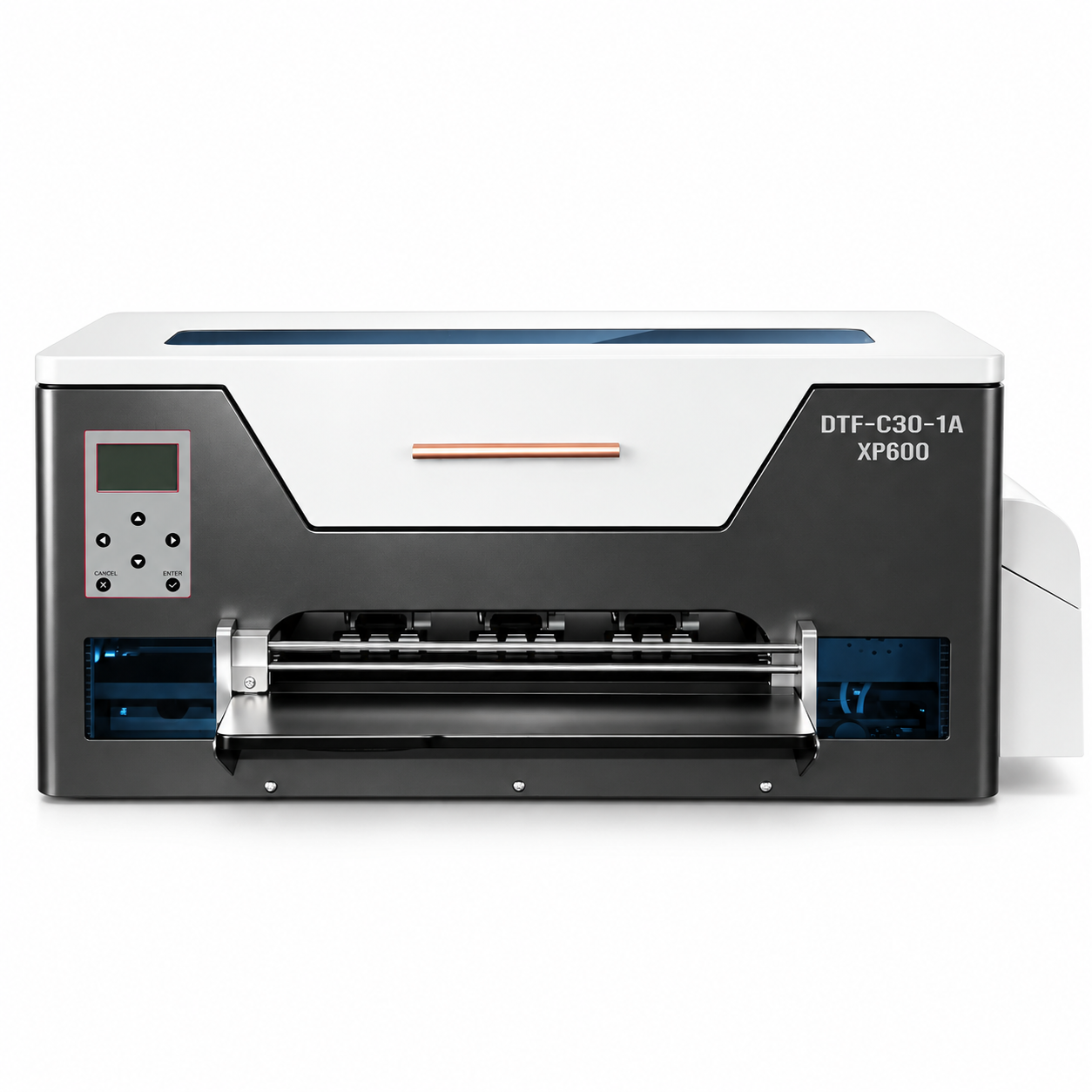
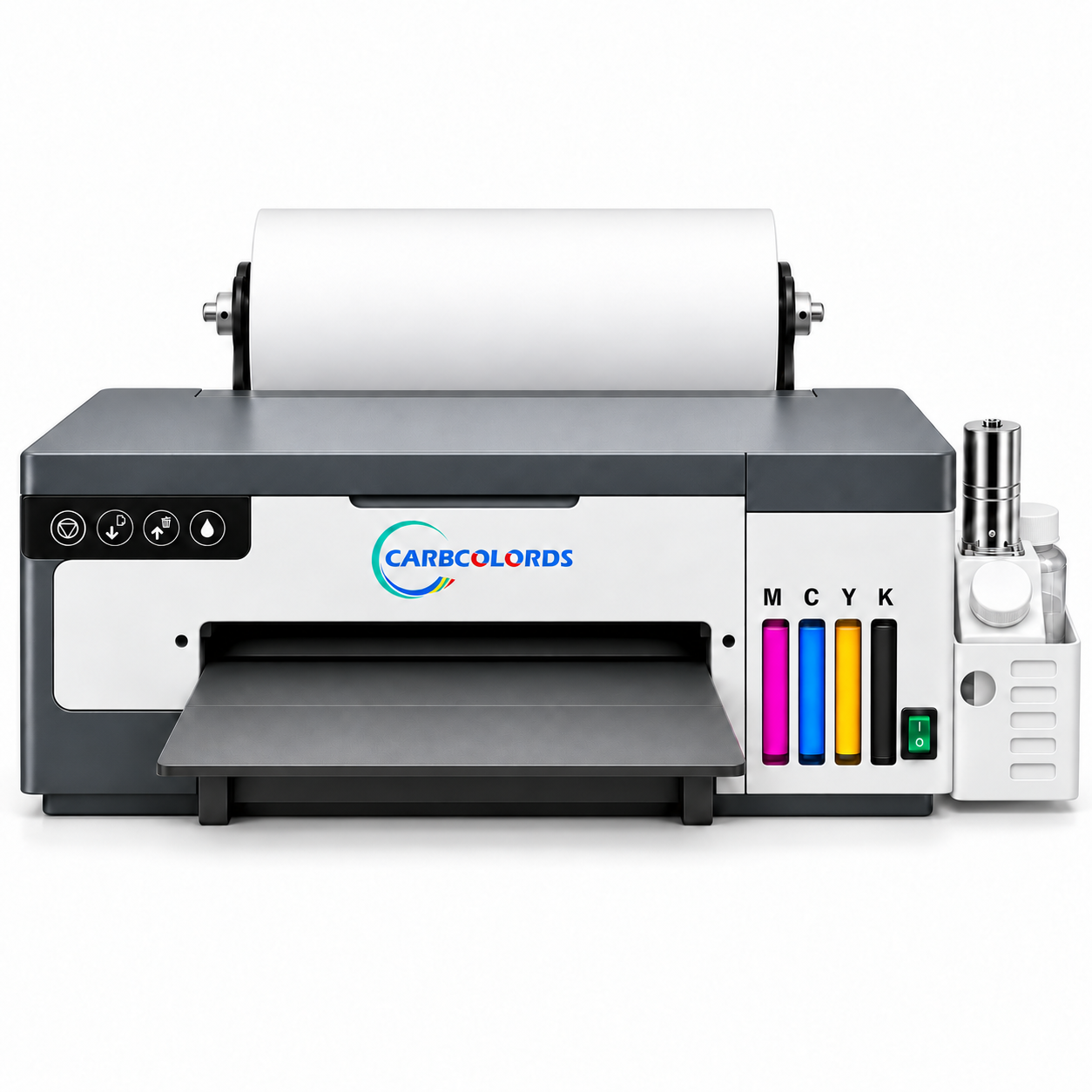
 The Carbcolords A4 DTF Printer includes an XP600 printhead, white-ink mixing and circulation, and automatic printhead cleaning.
This guide uses the Carbcolords A4 DTF Printer as the main example. If you use another model, always check its manual because buttons, shutdown steps, and storage procedures can be different.
An important safety note for beginners: Do not remove, soak, flush, or disassemble the printhead as part of routine maintenance. A printhead can be damaged by incorrect removal, excessive pressure, liquid near the electrical contacts, or an unsuitable cleaning fluid. Start with the printer’s automatic cleaning function. If light surface cleaning is needed, use a suitable swab only on the underside as explained later in this guide.
Why DTF Printer Maintenance Matters
DTF printing combines CMYK color with a white base layer. That white layer is what helps a design look bright on dark garments, but it is also the part of the ink system that needs the most regular attention.
A good routine helps you:
- Keep white ink mixed and moving
- Catch missing nozzles before printing a customer order
- Reduce dried ink around the underside of the printhead
- Avoid wasting film, powder, ink, and garments
- Maintain more consistent white coverage and color
- Reduce unnecessary cleaning cycles and downtime
Maintenance cannot guarantee that a printhead will never clog. It can, however, prevent many of the problems caused by leaving ink still, ignoring an incomplete nozzle test, or storing the printer incorrectly.
A Simple Maintenance Schedule
You do not need to remember dozens of steps. Start with this schedule and adjust it only if your printer manual or technical support team gives you model-specific instructions.
One cleaning cycle followed by a new nozzle test is usually more useful than pressing the cleaning button repeatedly. Too many cycles waste ink and fill the waste-ink bottle without confirming what is actually wrong.
Before You Print: Five Quick Checks
1. Look at the ink levels
Make sure every ink container has enough ink for the job. If an ink line runs dry, air can enter the system and interrupt the flow.
It is also best to stay with a compatible DTF ink system. Mixing unknown brands or formulas may create inconsistent flow or sediment inside the ink path.
2. Confirm that the white ink is circulating
On the Carbcolords A4 printer, the built-in mixing and circulation system helps keep white pigment moving. Take a moment to confirm that it is operating normally before starting production.
 White-ink circulation helps reduce settling, but it does not replace nozzle checks or correct idle-time care.
3. Check the film path
The film should feed straight and move freely. Remove loose powder, film scraps, dust, or anything else that could touch the carriage or interfere with feeding.
4. Check the waste-ink bottle
Automatic cleaning sends ink into the waste system. Make sure the bottle is not full and that the waste tube is not bent, pinched, or blocked.
5. Print a nozzle test
Think of the nozzle test as a quick health check. It tells you whether the color and white channels are printing continuously before you spend time and materials on a full design.
If the pattern is complete, you are ready to print. If a few lines are missing, run one automatic cleaning cycle and test again. If the same gaps remain after cleaning, stop and check the ink supply or contact support instead of repeating the cycle many times.
End-of-Day Care
When the day’s printing is finished, remove film scraps, powder, dust, and visible ink residue from the accessible work area. Be careful not to let debris fall inside the printer.
For the Carbcolords A4 printer, press the Ink/Clean button once after the final print of the day. The printer will perform its automatic cleaning cycle, so there is no need to remove the printhead.
Before turning off the machine, check that:
- The cleaning cycle has finished.
- The printhead has returned to its normal parked position.
- Nothing is blocking the carriage or film path.
- The waste-ink bottle has enough space.
- The printer can be shut down using the normal procedure.
Do not disconnect the power while the carriage is moving. Correct parking helps keep the printhead protected when the machine is off.
Can You Clean the Bottom of the Printhead With a Swab?
Yes—but this should be light surface care, not a manual printhead wash.
If you can see ink buildup on the underside and the manual or Carbcolords support team recommends cleaning it, use a clean, soft, low-lint maintenance swab. Apply only the recommended maintenance fluid to the swab, then gently wipe visible residue from the bottom surface.
Keep these limits in mind:
- Do not press, scrape, or repeatedly rub the nozzle plate.
- Do not pour liquid directly onto the printhead.
- Do not touch the cables or electrical contacts.
- Do not use a dry, rough cotton swab, alcohol, tap water, or household cleaner.
- Stop if dried ink does not release with gentle surface cleaning.
What you should not do
Removing an XP600 printhead, soaking it in liquid, inserting a syringe, or forcing fluid through its channels is not normal maintenance for a beginner. These actions can damage the nozzle plate, seals, cables, or electronics. They may turn a minor nozzle issue into a printhead replacement.
If automatic cleaning and gentle underside care do not restore the nozzle test, contact technical support before taking anything apart.
If You Use Your DTF Printer Only Once a Week
Some home studios print only on weekends or when an order arrives. That is fine, but the white ink should not remain completely still between sessions.
For the Carbcolords A4 printer, press the Ink/Clean button about every 2–3 days. Let the printer complete its automatic cleaning and circulation process, make sure the printhead parks correctly, and then shut the machine down normally.
When you are ready to print again:
- Check the ink and waste-ink levels.
- Confirm that white ink is mixing and circulating.
- Run a nozzle test.
- Use one automatic cleaning cycle only if the test needs it.
- Make a small test print before starting a larger order.
This short routine is usually easier—and less expensive—than trying to recover a printer after the ink has been left still for an extended period.
If the Printer Will Be Idle for More Than 5 Days
A vacation or busy week can easily leave a DTF printer unused. If you expect the break to last more than five days, prepare the machine before you leave.
A compatible printhead moisturizing solution is designed to help keep the printhead area moist while the printer is idle. It is preventive care for storage; it is not an aggressive cleaner for a clogged printhead.
 The CARBCOLORDS 100 mL Printhead Moisturizing Fluid kit is designed for planned idle-time care. Use it only according to the instructions for your printer model.
Carbcolords users can purchase the CARBCOLORDS Printhead Moisturizing Maintenance Solution on Amazon.
Always follow the instructions supplied with the moisturizing solution and the storage procedure for your printer model. If you are not sure where or how the solution should be applied on the Carbcolords A4 printer, contact support before the idle period.
Remember: Moisturizing solution helps protect the printhead during downtime. It is not DTF ink, it is not the same as cleaning fluid, and it should not be forced through the printhead to clear a blockage.
When you return, inspect the ink system, restart white-ink mixing and circulation, and run a nozzle test before printing a customer order. Use automatic cleaning only if the test shows that it is needed.
Your Weekly Five-Minute Check
Once a week, take a broader look at the printer and its working area:
- Compare recent nozzle tests and look for repeated gaps.
- Check the CMYK and white-ink levels.
- Confirm that white ink is mixing and circulating normally.
- Look for air gaps, sharp bends, or leaks in accessible ink tubes.
- Check the waste-ink bottle and tube.
- Remove dust, powder, and film scraps from accessible areas.
- Inspect the roll holder, feeder, and film path.
- Check the accessible capping and wiping area for visible buildup without disassembling it.
- Make sure power and data cables are secure.
A simple maintenance log can be surprisingly helpful. Record the date, nozzle-test result, cleaning performed, and anything unusual you noticed. If a problem develops later, this information gives the support engineer a much clearer starting point.
Store Ink, Film, and Powder Correctly
Printer care includes the materials around it. Poorly stored consumables can cause print problems even when the machine itself is clean.
DTF ink
Keep ink containers sealed, away from direct sunlight and extreme temperatures. Do not mix formulas unless their compatibility has been confirmed, and keep powder or dust away from open ink bottles.
DTF film
Keep unused film in its protective packaging in a clean, dry area. Avoid touching the coated printing surface with bare or dirty hands.
DTF powder
Seal the powder container after use to protect it from moisture and contamination. Keep loose powder away from the carriage, printhead, and electronics.
Common Maintenance Mistakes
Repeating cleaning cycles without testing
More cleaning is not always better. Print a new nozzle test after each cycle so you know whether the pattern has improved.
Forgetting about white ink between jobs
The circulation system is there to help, but it still needs to be used on schedule. If the printer is idle, do not let the white ink sit untouched for days.
Removing the printhead too soon
Routine care should happen with the printhead installed. Removing it adds the risk of cable damage, leaks, incorrect installation, and electrical failure.
Confusing cleaning fluid with moisturizing solution
These products serve different purposes. Cleaning fluid is used only for approved cleaning procedures. Moisturizing solution is intended to help protect the printhead during idle periods.
Skipping the nozzle test
A test takes much less time than reprinting a complete order. Make it part of every startup routine.
When to Contact Technical Support
Stop troubleshooting and ask for help if you notice:
- The same nozzles are missing after automatic cleaning
- One or more ink channels have no ink movement
- Large air gaps appear in the ink lines
- White-ink mixing or circulation is not working
- The carriage cannot move normally
- Ink is leaking near a cable or electronic component
- The printer displays an unfamiliar error or makes an unusual sound
- The next suggested step would require removing or internally flushing the printhead
Send the technician a clear photo of the nozzle test, a short video of the ink system, and the exact error message if there is one. Those details often make remote diagnosis faster and safer.
Carbcolords owners can also review the A4 setup and tutorial videos or use the support options on the website.
DTF Printer Maintenance FAQs
How often should I clean my DTF printer?
Check the printer before every session. For the Carbcolords A4 printer, run one automatic cleaning cycle after the final print of each working day. If you do not print daily, run its cleaning and circulation process about every 2–3 days.
Should I remove and wash the printhead?
No. Beginners should not remove, soak, or force cleaning fluid through the printhead. Start with a nozzle test and automatic cleaning. If advised, you may gently clean visible residue from the underside with a suitable low-lint swab.
Can I use an ordinary cotton swab?
Use a soft, low-lint swab intended for printer maintenance. A rough or shedding swab may leave fibers behind or damage the nozzle surface.
How often should I run a nozzle test?
Run one before every production session and after any cleaning cycle. It is the quickest way to confirm whether the ink channels are printing correctly.
What should I do if I print only once a week?
For the Carbcolords A4 printer, run the automatic cleaning and circulation process about every 2–3 days. Let it finish, confirm that the printhead parks correctly, and shut the printer down normally.
What should I do before a vacation?
If the printer will be idle for more than five days, follow its storage procedure and use a compatible moisturizing solution as directed. Prepare the printer before leaving rather than waiting for ink to dry.
Is moisturizing solution the same as cleaning fluid?
No. Moisturizing solution is for keeping the printhead area moist during idle periods. Cleaning fluid is for approved cleaning procedures. Use each product only for its intended purpose.
A Simple Routine Is Usually the Best Routine
Good DTF printer maintenance is preventive, consistent, and gentle. Keep white ink moving, check the nozzle pattern before production, run one automatic cleaning cycle after the day’s printing, and prepare the printhead correctly before a longer break.
Most importantly, do not treat printhead removal or aggressive flushing as routine care. For a new user, automatic cleaning, careful underside surface care, correct use of moisturizing solution, and timely support are much safer steps.
Explore the Carbcolords A4 DTF Printer
Build a compact apparel-printing setup with white-ink mixing and circulation, automatic cleaning, roll and sheet printing options, and remote setup support.
View the A4 DTF Printer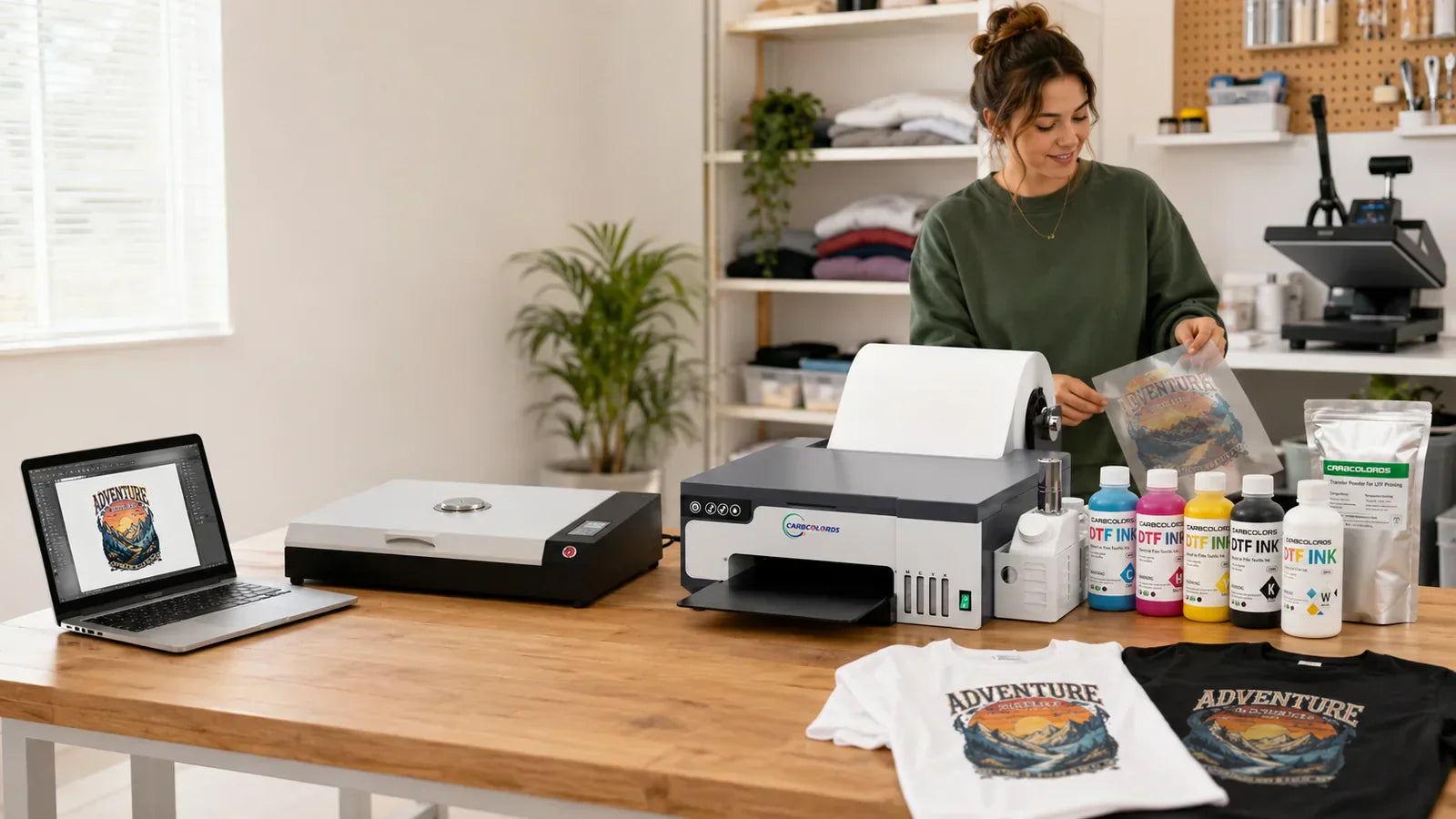
Leave a comment
This site is protected by hCaptcha and the hCaptcha Privacy Policy and Terms of Service apply.